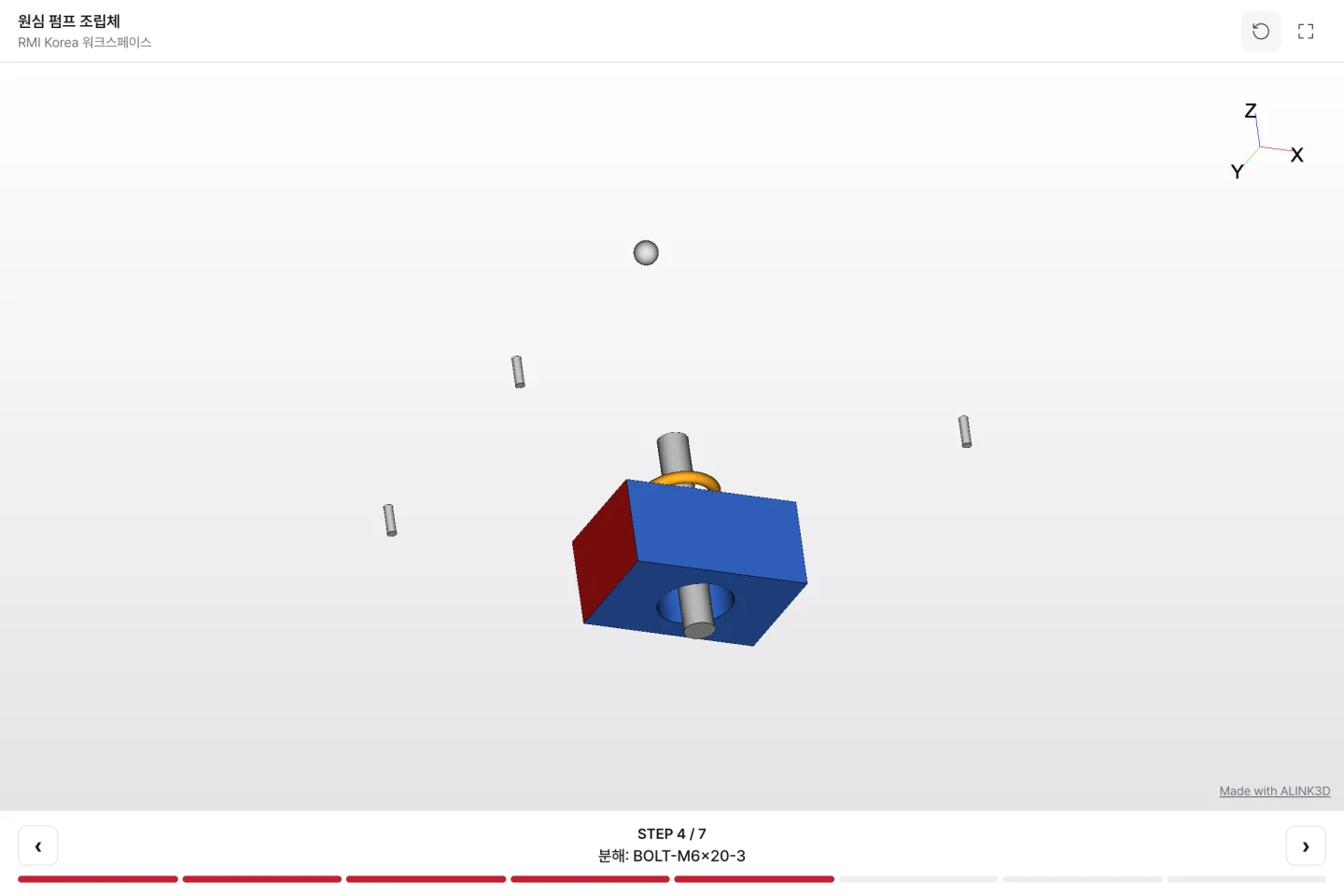
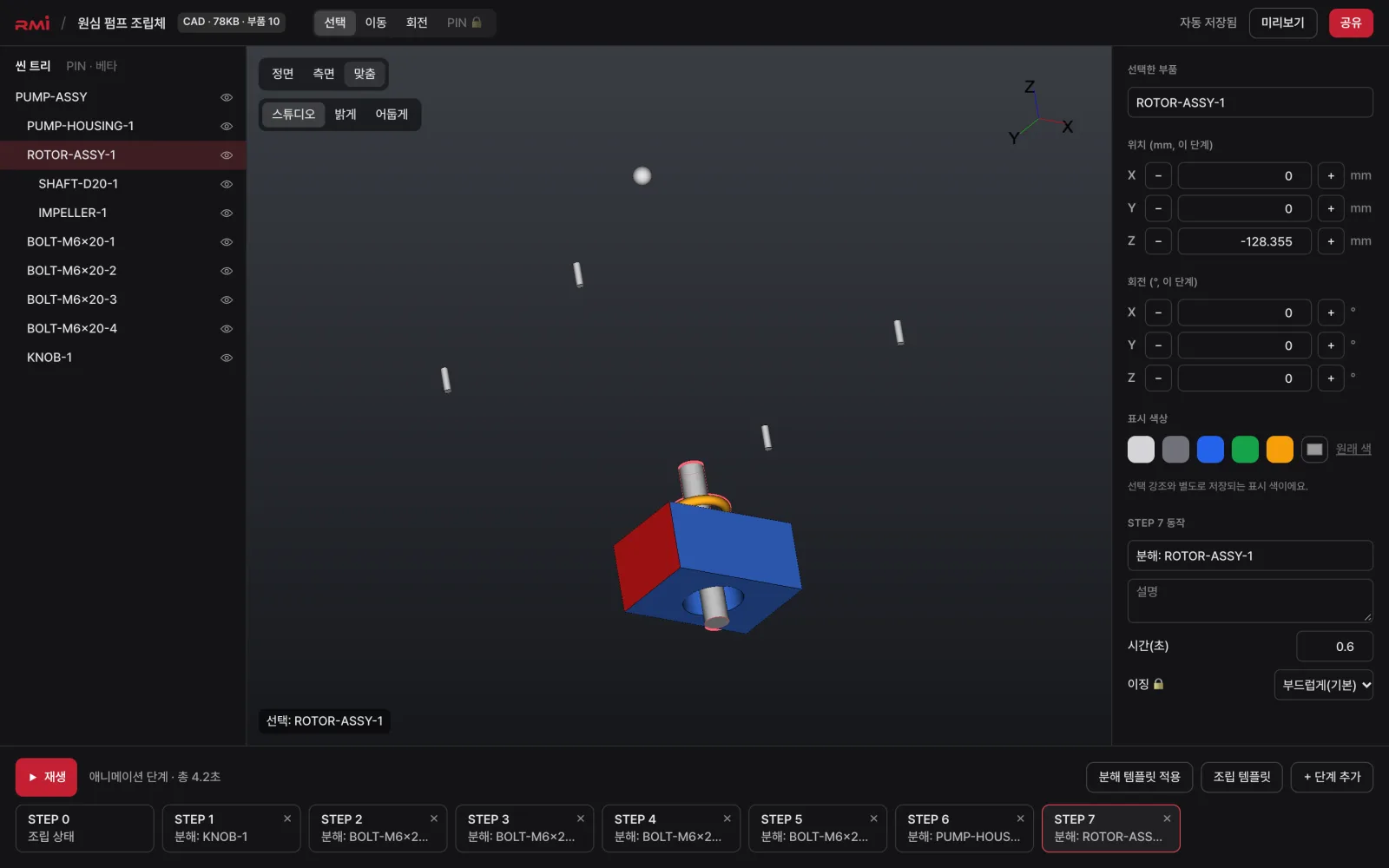
ALINK3D Creator is a browser service that turns STEP and IGES files into web 3D, lets you build explode and assembly animations, and shares them with a single link. No installs, no code.
What you can do in the beta
- CAD conversion: turn STEP and IGES files into optimized web 3D. GLB and glTF files (including models made from photos with AI services such as Tripo or Meshy) can be uploaded as-is without conversion.
- 3D editor: part colors and hiding, explode and assembly templates, and per-step position and rotation editing.
- Sharing: share links that open without signing in, members-only and password protection, and link expiry dates.
- Website embedding: put the 3D viewer on your website or online store with embed code (Pro and above).
Coming soon
- Keyframe timeline: advanced animation where you add easing and camera moves yourself.
Sign up on the Free plan and get trial credits. See plans and credits on Pricing.
Tell us what you think
During the beta, send us anything that's inconvenient or features you'd like through Contact, and we'll work it into the product. If you need work instructions, inspections or MES integration on the shop floor, talk to Enterprise.